

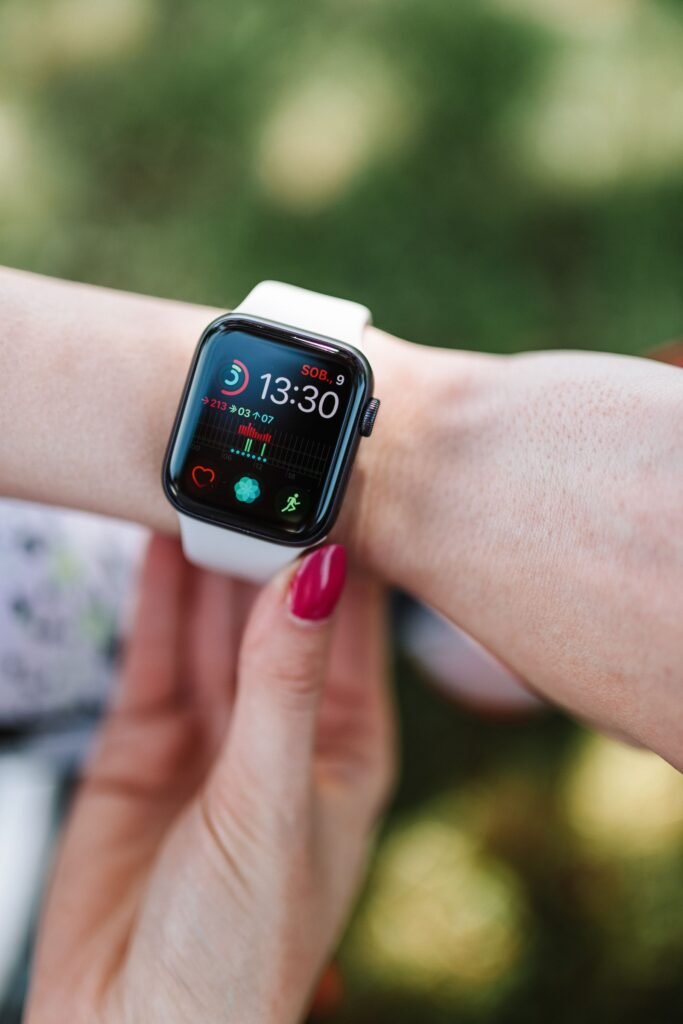
Someone says something to you, you catch about half of it, and instead of asking them to repeat it you double press the Digital Crown on your watch. The last fifteen seconds of speech appear on the screen as text.
That is Live Rewind, one of three Audio Intelligence features that arrived with the Apple Watch Series 12 and the Apple Watch Ultra 4. It is also the feature that generated the most confused and slightly alarmed questions of Apple’s entire September event, for an obvious reason. To replay something that already happened, the watch has to have been listening the whole time.
Apple’s answer is that yes, it was listening, and no, there is no recording. Not a deleted one. Not an encrypted one. None.
Quick facts
- Live Rewind shows a text snippet of roughly the last 15 seconds of speech
- It is triggered only by a deliberate double press of the Digital Crown
- Audio is processed inside a hardware isolated area of the new S11 chip that Apple calls the Secure Exclave
- Apple says no audio recording is created, stored or accessible to the operating system, to apps, to you, or to Apple
- The watch shows a full display animation and a microphone indicator when the feature runs
- Text snippets disappear about 30 seconds after the display dims, unless you save them
- Saved snippets sync end to end encrypted through the Siri app, with Apple holding no keys
- Live Rewind is off by default and enabled in the Watch app on iPhone under Siri
- The S11 pairs a 64-bit dual core processor with a four core Neural Engine
The trick is a buffer, not a file
The distinction Apple is drawing is a real one, and it is worth understanding because it is going to show up in a lot of products over the next two years.
A recording is a file. It has a location, it persists after the moment that created it, and somebody with sufficient access can copy it, send it, or be ordered to produce it in court. A rolling buffer is not a file. It is a small patch of memory that holds a few seconds of data, continuously overwriting itself, never written to storage and never handed to anything outside the chip that owns it.
Your phone has worked this way for years. The reason a modern camera can give you a photo from the instant before you pressed the shutter is that it was already capturing frames and throwing them away. Nobody describes that as the camera secretly recording you, because the frames only become a file at the moment you ask for one.
Live Rewind applies the same idea to speech, with one addition that matters. The buffer does not sit in general system memory where the operating system could reach it. It lives in the Secure Exclave, a compartment fenced off inside the silicon of the S11, and this is the first time Apple has put one in an Apple Watch.
Apple’s own description is unusually blunt for a company that normally writes in marketing hedges. Audio Intelligence features, it says, do not create audio recordings, and no audio can be accessed by the operating system, apps, you, or even Apple. Then the line that reads like it was drafted by a lawyer, because it almost certainly was: there is no recording to share, forward, or produce if requested by any party, because no recording exists.
The three features, and which ones actually keep anything
Live Rewind gets the attention, but it is one of three, and they behave differently enough that it is worth separating them.
| Feature | What it does | What survives afterward |
|---|---|---|
| Live Rewind | Shows the last 15 seconds of speech as text after a deliberate double press | Nothing, unless you save the snippet to the Siri app |
| Siri Recap | Builds a written summary from a longer stretch of conversation or audio | The summary, if saved, synced end to end encrypted |
| Sound recognition | Watches for alarms, sirens, smoke detectors, doorbells and a crying baby, then taps your wrist | A notification, not a transcript |
Sound recognition is the one Apple spent the least time on and the one that is going to change the most lives. On Reddit, a deaf user with cochlear implants explained why in a post that spread well beyond the usual Apple forums. When the implants come off at night, they wrote, they hear absolutely nothing. A watch that taps the wrist for a smoke detector or a baby is not a convenience feature in that situation.
The same user called the 15 second transcript groundbreaking for a much smaller and more human reason. It means not having to say “what did you say” in almost every conversation.
The part Apple has not answered
All of the privacy engineering here addresses one threat: your watch quietly building a file about you. It is genuinely good engineering, and it closes that threat about as thoroughly as hardware can.
It does not address the other person. Live Rewind produces a written record, however short lived, of words somebody else said, and they did not press anything. Apple’s mitigations are social rather than technical. The watch throws a full screen animation and a microphone indicator, and the gesture is deliberate enough that you cannot plausibly trigger it under the table. As MacRumors put it, you cannot use Live Rewind secretly.
Whether that satisfies recording consent law in the states that require all parties to agree is a question nobody has tested, and the answer probably hinges on exactly the distinction Apple keeps drawing. If no recording exists, it is hard to argue anyone was recorded. That is a clean argument on paper and an untested one in a courtroom.
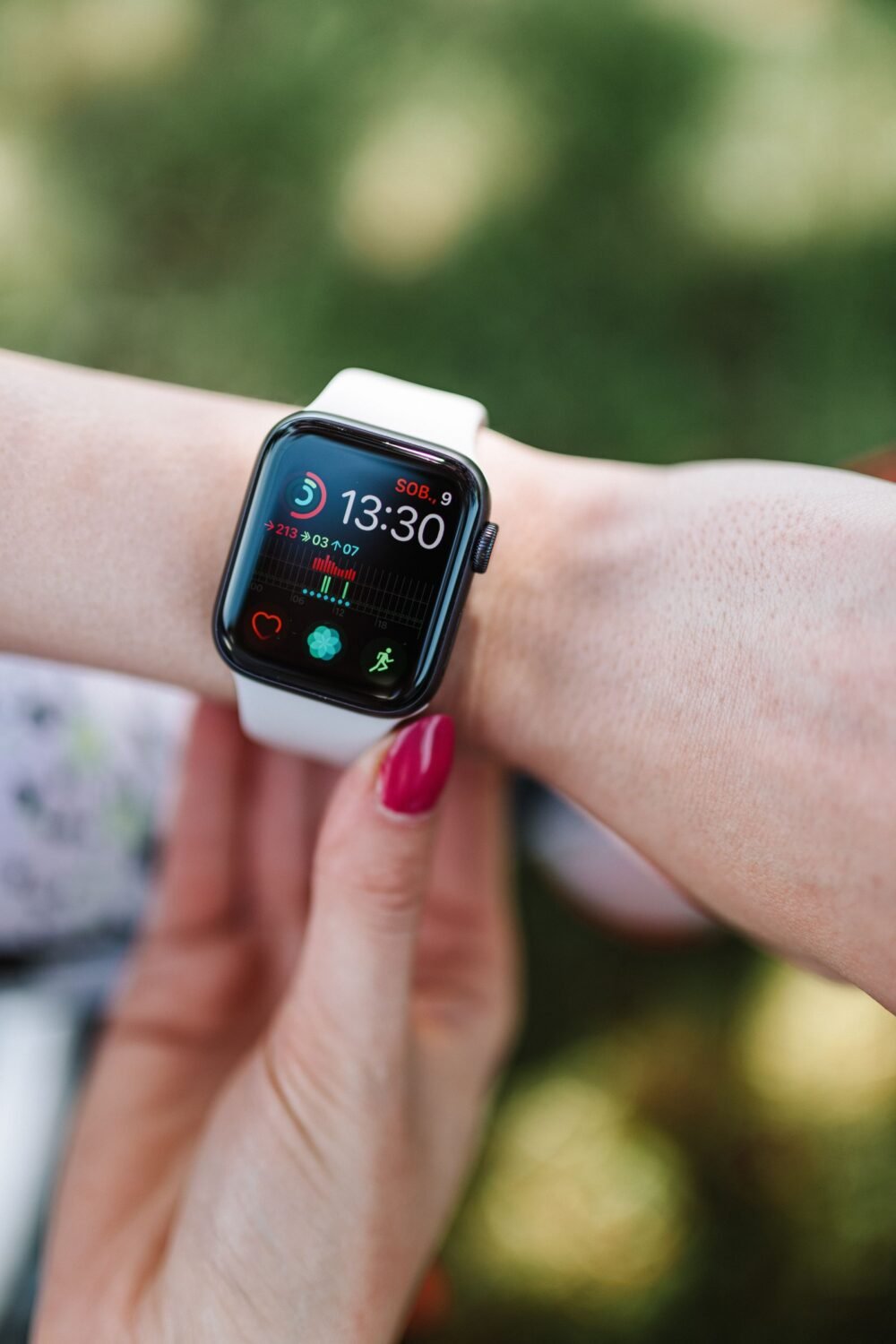
Audio Intelligence only runs on Series 12 and Ultra 4 hardware, because the Secure Exclave is part of the S11 chip. Photo via Pexels.
Why older watches will not get this
Audio Intelligence is not a watchOS 27 feature that Apple is withholding to sell hardware. The Secure Exclave is physically part of the S11 die, and the always ready audio path depends on it. An S9 or S10 watch has nowhere to put the buffer where the operating system genuinely cannot see it, which is the whole basis of the privacy claim. This is the same split we flagged when watchOS 27 rebuilt Siri from scratch and older watches were left with a partial version of it.
How to turn it on, and how to turn it off
Live Rewind ships disabled. Open the Watch app on your iPhone, tap Siri, tap Live Rewind, and switch on Double Click Digital Crown. The same screen is where you switch it back off, which is worth knowing if you share a household with someone who finds the whole idea unpleasant.
Sound recognition is configured separately, and this is the one to spend two minutes on even if you skip everything else. You choose which sounds the watch listens for, so you can enable smoke alarms and skip doorbells, or the reverse.
If you are still deciding whether any of this justifies an upgrade, the launch numbers are worth a look. We went through what the market data actually says about Series 12 and Ultra 4 preorders when they opened, and the short version is that the Ultra line is doing the heavy lifting again.
There is one more caveat, and it is the familiar one. Apple’s newest Siri features have been rolling out on a staggered map, and Europe is not on the first list. Audio Intelligence sits inside that same rollout, so a Series 12 bought in Berlin and a Series 12 bought in Boston are not currently the same product.
The bigger thing this is testing
Apple has effectively built a device that listens continuously and then spent most of its engineering budget proving that listening and recording are different words. The Secure Exclave is the proof, and it is the sort of claim that can be audited by security researchers rather than merely believed, which is more than most always on assistants can say.
If it holds up, it becomes the template. Every company that wants to ship an always ready microphone now has a reference design for doing it without a file at the end, and a reference sentence for what to tell regulators. If it does not hold up, it fails loudly, because a single researcher finding audio where Apple said none could exist would be the story of the year.
Either way, the interesting part is not the fifteen seconds. It is that the argument has moved from whether your devices are listening, which they plainly are, to what they are allowed to keep.
