

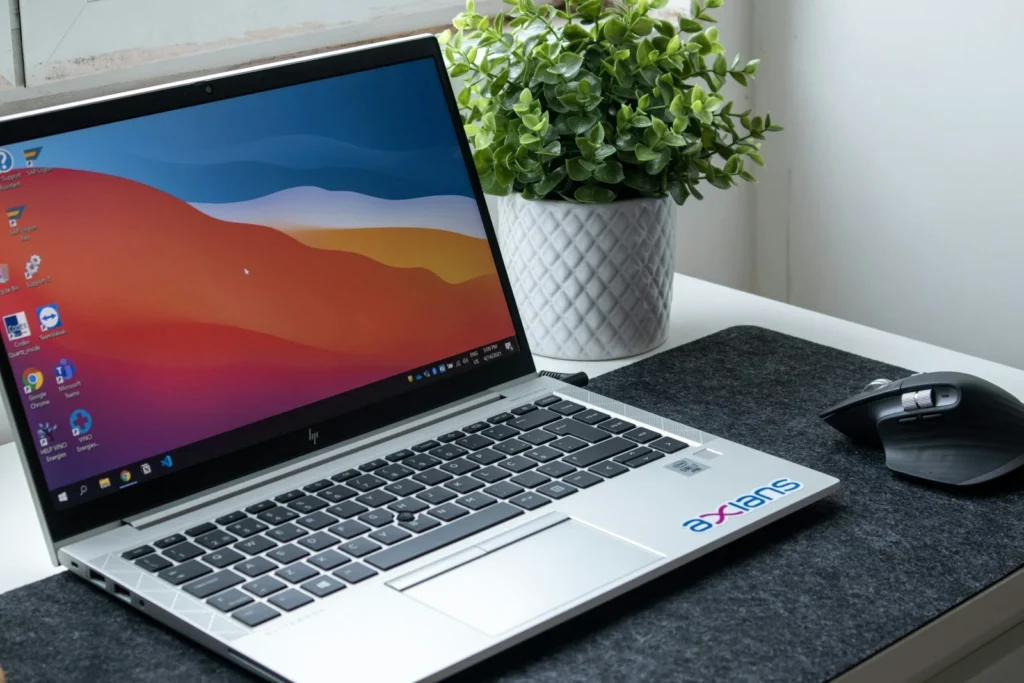
Buying a laptop in late 2026 is easier than it looks once you ignore the spec sheet noise. Battery life is better than ever on both Mac and Windows, a $600 machine can now feel premium, and the real decisions come down to memory, screen quality and which operating system you want. This guide explains what actually matters and which current models fit which kind of buyer.
The specs that actually matter
Laptop listings bury you in model numbers. These are the five things that decide whether you will still like the machine in three years.
16GB is the sensible minimum for Windows and for a Mac you will keep for years. 8GB only suits light use.
Aim for 512GB. 256GB fills quickly once photos, apps and updates pile up.
Look for at least 1920 by 1200 pixels and decent brightness. OLED adds contrast and rich color.
Apple M5, Snapdragon X2 and Intel Core Ultra series 3 are the current efficient options.
Two USB C ports are the floor. Under 3 pounds is easy to carry daily.
Processor names matter less than they used to. Every current chip is fast enough for browsing, office work, video calls and streaming. What changed in the last two years is efficiency: Qualcomm’s Snapdragon X chips and Intel’s newer Core Ultra processors brought Windows laptops much closer to the all day battery life that Apple Silicon made normal. Battery figures from manufacturers are best case numbers, so treat them as a way to compare models rather than a promise.
Current laptops by type of buyer
| Buyer | Good fit | Starting price |
|---|---|---|
| Most Mac buyers | MacBook Air 13 or 15 with M5 | $1,099 / $1,299 |
| Students and light users | MacBook Neo | $599 ($499 education) |
| Premium Windows | Thin laptops with Snapdragon X2 Elite or Core Ultra series 3 | Often $1,200 and up |
| Budget Windows | Snapdragon X or Intel laptops with 16GB, such as the HP OmniBook 5 | Under $800, lower on sale |
| Creators and pros | MacBook Pro 14 or 16 with M5 Pro or M5 Max | $2,199 |
MacBook Air with M5
Apple’s mainstream laptop went on sale in March 2026 with the M5 chip, 16GB of memory and 512GB of storage in the base model, a fanless silent design and Apple’s claim of up to 18 hours of video streaming. It is the default recommendation for anyone who wants a Mac, and the 15 inch version adds a bigger screen and battery for $200 more.
MacBook Neo
Apple’s new entry model, also released in March, uses the A18 Pro chip from the iPhone, a 13 inch display, 8GB of memory, 256GB of storage, two USB C ports and Apple’s rating of up to 16 hours of battery. It is excellent for schoolwork, writing and streaming. The 8GB of memory and smaller drive make it a poor pick for heavy multitasking or creative apps.
Windows laptops with the newest chips
Intel launched its Core Ultra series 3 processors, code named Panther Lake, in January 2026, and Qualcomm’s Snapdragon X2 Elite followed in premium thin laptops. Both target long battery life and include a neural processing unit for on device AI features. Snapdragon models run Windows on Arm, which handles nearly all mainstream apps today, but check that any niche software, older games with anti cheat or specialty drivers you rely on are supported. If in doubt, pick Intel or AMD.
Budget Windows laptops
The best value sits just below $800, where you can find 16GB of memory, 512GB of storage and sometimes an OLED screen. Machines such as the HP OmniBook 5 with a Snapdragon X chip are frequently discounted well below list. Skip anything with 8GB of memory, a 1366 by 768 screen or a spinning hard drive, no matter how low the price.
Mac, Windows or Chromebook?
- Choose a Mac if you use an iPhone, want strong resale value and long software support, and do not need Windows only software or most PC games.
- Choose Windows for the widest choice of designs and prices, touchscreens, 2 in 1 convertibles, gaming and business software.
- Choose a Chromebook if you live in a web browser and want the simplest, cheapest option, and check the automatic update expiration date before you buy.
FAQ
How much should I spend on a laptop?
Between $600 and $1,100 covers most people well. Spend more only for a larger screen, heavy creative work or gaming.
Is 8GB of RAM enough in 2026?
For browsing, documents and streaming on a MacBook Neo, yes. For Windows laptops and anything you plan to keep for four or more years, get 16GB.
Do I need a Copilot+ PC?
Not to get work done. These AI features are handy extras, and most new Snapdragon X2 and Core Ultra series 3 laptops qualify anyway.
Should I wait for new models?
If you want a MacBook Pro, check for an announcement first, since the line is due for its usual yearly refresh. Otherwise, buy when you need it and watch for holiday sales.
The verdict
For most buyers, the MacBook Air with M5 or a well configured Windows laptop with 16GB of memory and a current Snapdragon or Intel chip is the safe choice. Tighter budgets should look at the MacBook Neo or a discounted OLED Windows laptop, and only creators and gamers need to pay Pro prices.
Updated October 2026: rewritten as a buying guide for late 2026 covering key specs, current Mac and Windows models and US starting prices.
Featured photo: Nubelson Fernandes on Unsplash.
About this article: GeekBlog covers U.S. technology news, AI, phones, smartwatches and gaming. Every story is written and checked under our Editorial Policy. Spotted a mistake or have a story tip? Contact our editors.
