

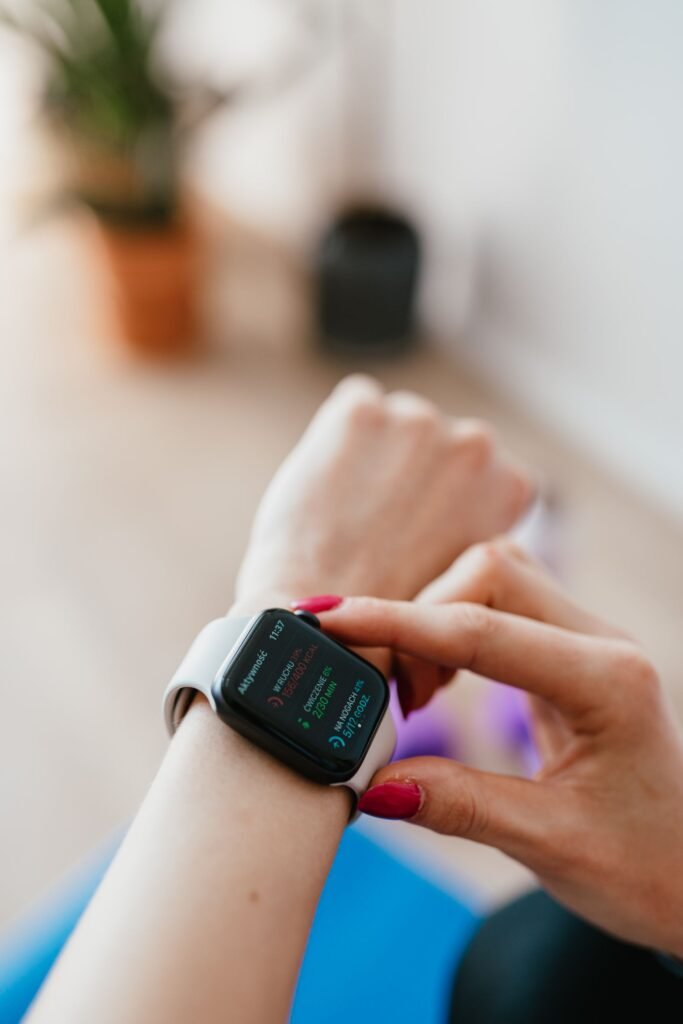
If you have ever stared at the red ring on your Apple Watch and wondered whether your Move goal is too easy, too punishing or just plain arbitrary, you are not alone. The Move ring is the headline of Apple’s Activity system, yet the number behind it is one of the most misunderstood settings on the watch. Getting it right is the difference between a target that quietly motivates you every day and one you either smash by lunchtime or never reach at all.
The short answer is that there is no single correct Move goal, because it measures something deeply personal. But there are sensible ranges, a clear method for finding your own number, and good reasons to revisit it over time. Here is how to think about it.
Quick Answer
Your Move goal is a daily active-calorie target, not a step count. Apple’s setup defaults usually fall somewhere between roughly 150 and 400 active calories based on your age, sex and stated activity level. The best approach is to wear the watch for a week or two, check your average daily active calories in the Fitness app, and set your goal about 50 to 150 calories above that baseline so closing the ring takes a little intentional effort. Most casual users land around 300 to 500, active people 500 to 800, and athletes 800 or more.
What the Move goal actually measures
The Move ring tracks active calories, also called active energy, which is the energy you burn through movement on top of the calories your body uses just to keep you alive. That second figure, your resting or basal metabolic rate, is not counted toward the ring. This is the single most important thing to understand, because it explains why the Move goal is not the same as a steps target and why two people of the same weight can have very different appropriate goals.
Because the ring ignores resting energy, your Move goal reflects only the effort you choose to add through walking, workouts, climbing stairs and general daily activity, everything from taking the stairs at work to carrying groceries or cleaning out the garage. Fitness experts often call this combination of exercise and everyday movement NEAT, or non-exercise activity thermogenesis. That is what makes the Move ring a fair measure of how active you actually are, rather than how big your body is.
Move vs Exercise vs Stand: how the three rings differ
It is easy to conflate the Move ring with the other two rings, but each measures something distinct. Understanding the split helps you set a Move goal that is not secretly doing the job of the Exercise ring.
- Move (red) shows the active calories you have burned across the whole day. It is the only one of the three rings whose goal you set as a personal number.
- Exercise (green) counts minutes of brisk activity, anything at or above a fast walk. Its target defaults to 30 minutes and is driven partly by your heart rate rather than pure calorie burn, so you can add active calories without earning Exercise credit if the effort stays gentle.
- Stand (blue) logs how many hours you stood and moved for at least one minute. The default goal is 12 hours a day, and it is about breaking up sitting rather than intensity.
Only the Move goal is yours to tune, which is exactly why people agonise over it. The other two rings largely take care of themselves once you are moving.
So what number should you aim for?
When you first set up an Apple Watch, it asks for your age, sex, height, weight and general activity level, then calculates a starting Move goal from that profile. Apple’s suggested defaults commonly land somewhere between roughly 150 and 400 active calories per day, with many new users seeing an initial figure in the region of 300. That default is a reasonable starting point for an average adult, but it is deliberately conservative so that new users feel a sense of achievement rather than failure in the first week.
As a rough guide, someone with a fairly sedentary lifestyle or who is just getting started might aim for around 250 to 350 active calories a day. A moderately active person who walks regularly and exercises a few times a week often lands comfortably in the 400 to 600 range. Dedicated athletes and very active people may set goals of 700, 1,000 or more. These are not rules, just orientation points, and the right figure for you sits wherever a full day of your normal-but-intentional activity lands. Age and metabolism matter too: many people find their sustainable number drifts gently downward across the decades, which is completely normal.
Sample Move goals by fitness level
The table below turns those ideas into rough starting ranges. Treat it as a compass, not a prescription. Your own baseline data always beats a generic chart, and the ranges deliberately overlap because activity level matters far more than age alone.
| Profile | Typical day looks like | Suggested Move goal (active kcal) |
|---|---|---|
| Getting started / mostly sedentary | Desk job, occasional short walks | 250–350 |
| Lightly active | Daily walks, light workouts twice a week | 350–500 |
| Moderately active | Regular walking plus 3–4 workouts a week | 500–700 |
| Very active | Daily training, running or cycling | 700–900 |
| Athlete / high volume | Two-a-day sessions, endurance training | 900–1,200+ |
A simple method to find your personal goal
Rather than guessing, let the watch tell you. Wear it for one to two normal weeks without obsessing over the ring, then look at your average daily active calories in the Fitness app. That average represents your real baseline. From there, set your Move goal slightly above it, perhaps 50 to 150 calories higher, so that hitting the ring requires a little intentional effort, a short walk after dinner or taking the stairs, rather than a complete change to your routine.
The aim is a goal that you can reach most days with effort but not every day by accident. As Apple itself frames it, your Move goal should be something you can reach with effort while still pushing you to keep improving. A target you close effortlessly by mid-morning has stopped doing its job, and one you miss every single day will only discourage you.
How to set or change your Move goal
Adjusting the goal takes seconds, and there is no penalty for editing it as often as you like. There are two easy routes:
- On the watch: open the Activity app, turn the Digital Crown or scroll down to the bottom, then tap Change Goals (older watchOS versions label this Change Move Goal). Use the plus and minus buttons to adjust the active-calorie target and tap to confirm.
- On the iPhone: open the Fitness app, tap the Activity tile or your profile picture, choose Change Goals, adjust the Move number and confirm.
If you are running watchOS 11 or later, you can go a step further and schedule different goals for different days of the week, letting you set ambitious targets on training days and lighter ones on planned recovery days. It is healthy to revisit the number every month or two. As you get fitter, a goal that once felt challenging becomes routine, and nudging it upward keeps the ring meaningful. Equally, if illness, injury or a hectic period of life makes your goal unrealistic, lowering it is not failure, it is keeping the system useful so it continues to motivate rather than nag.
Why 10,000 steps is the wrong anchor
Many people arrive at the Apple Watch assuming the famous 10,000-steps figure should drive their Move goal. It is worth knowing that the 10,000-steps number originated as a marketing slogan, not a medical recommendation. It came from a 1960s Japanese pedometer called the Manpo-kei, literally the 10,000-steps meter, sold by the company Yamasa around the buzz of the 1964 Tokyo Olympics. There was no study behind the round number; it simply sounded memorable. More recent research suggests meaningful health benefits kick in well below 10,000, with some studies pointing to gains from as few as 4,000 steps a day.
Steps and active calories are related but not interchangeable: a hilly walk burns far more active energy than the same number of steps on flat ground, and activities like cycling or swimming barely register as steps at all while burning plenty of calories. This is exactly why Apple built the Move ring around energy rather than steps. If your days involve a lot of cycling, strength training or hill walking, a calorie-based goal captures that effort in a way a step count never could. Treat steps as a useful secondary metric, not the foundation of your goal.
Avoiding burnout: set a goal you can sustain
The most common mistake is setting a heroic Move goal in a burst of New Year enthusiasm, then quietly resenting the watch three weeks later when you miss it for the fifth day running. Rings are a motivation tool, and motivation collapses when the target feels impossible. A goal you close roughly five or six days out of seven, with a genuine push on a couple of them, tends to be the sweet spot for long-term consistency.
Key Takeaways
- The Move ring measures active calories, not steps or total calories.
- Apple’s setup default typically lands between roughly 150 and 400 kcal based on your profile.
- Find your baseline by tracking a week or two, then aim 50–150 kcal above it.
- Casual users often sit around 300–500; active people 500–800; athletes 800+.
- Change it any time via the Activity app on the watch or the Fitness app on iPhone.
- Ignore the 10,000-steps myth; it was marketing, not medicine.
Beware chasing someone else’s number, too. Comparing your Move goal with a friend’s is meaningless, because their baseline, body and routine are different. The ring is only motivating when it reflects you. If you are weighing the Apple Watch against a rival, our comparison of the best smartwatches from Apple and Google breaks down how each platform handles activity tracking.
The Bottom Line
The best Apple Watch Move goal is built on your own baseline, set just high enough to require a little daily effort, and adjusted as your fitness changes. Start near Apple’s default if you are unsure, let a couple of weeks of real data guide you, and resist the urge to copy someone else’s number. A ring you close most days, not every day by accident, is the one that keeps you moving for years.
Frequently Asked Questions
Does the Move goal include the calories I burn just being alive?
No. The Move ring counts only active calories, the energy you burn through movement. Your resting or basal metabolic rate, the calories your body uses to keep you alive, is excluded, which is why the number looks lower than the total calorie figures you might see in other apps.
What is a good Move goal for a beginner?
If you are new to tracking, Apple’s default of roughly 300 active calories is a sensible place to start. Wear the watch for a week or two, see where your natural average lands, then adjust up or down so closing the ring takes real but manageable effort.
Should I set the same Move goal every day?
Not necessarily. On watchOS 11 and later you can schedule different goals for different days, which is ideal if your week mixes hard training days with rest days. A flat daily goal is perfectly fine too; pick whichever keeps you consistent.
Why can I close my Move ring without closing my Exercise ring?
Because they measure different things. Move counts active calories from any movement, while Exercise counts minutes of brisk, heart-rate-elevating activity. Gentle pottering around the house adds calories without registering as exercise.
Is it bad to lower my Move goal?
Not at all. Lowering the goal during illness, injury or a busy stretch keeps the system realistic and motivating rather than demoralising. The rings are a tool to serve you, not a test to pass, so adjust them whenever life changes.
How often should I update my Move goal?
Every month or two is a good rhythm. As fitness improves, a once-challenging goal becomes easy, so nudge it upward to keep the ring meaningful. Review it sooner if your routine changes significantly.
Once your goal is dialled in, the real value is in what you do with the data. If you are still deciding whether the watch earns its place on your wrist, our look at whether the Apple Watch is worth it in 2026 covers the bigger picture, and our roundup of the best health apps for Apple Watch can help you do more with the numbers once your rings are dialled in.
Featured image: Kaboompics.com on Pexels.
